Bot commands
The bot reacts on keywords and commands.
Scenario info:
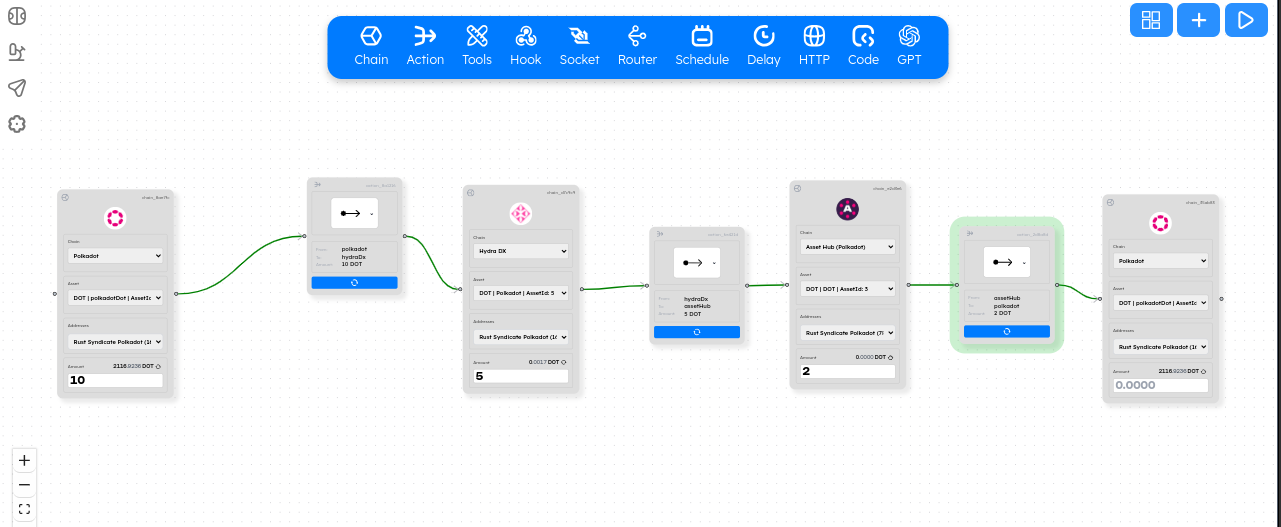
Using the public interface( alpha.bagpipes.io ) you can drag and drop together a scenario:
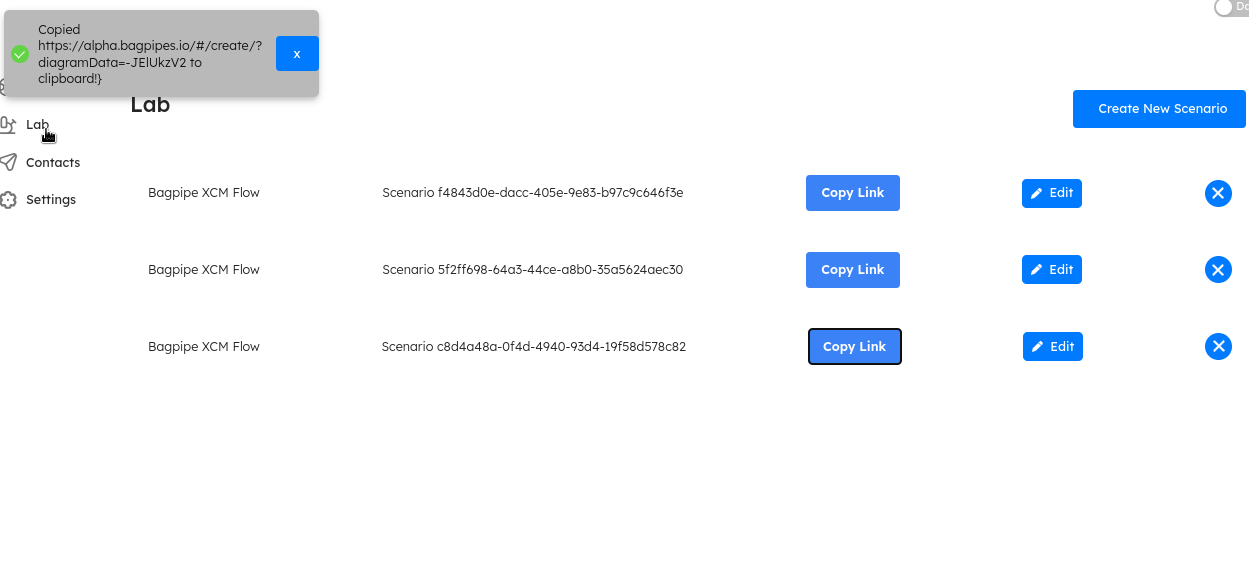
Go to the /lab view and copy the link:
Paste the link into the #bot channel:
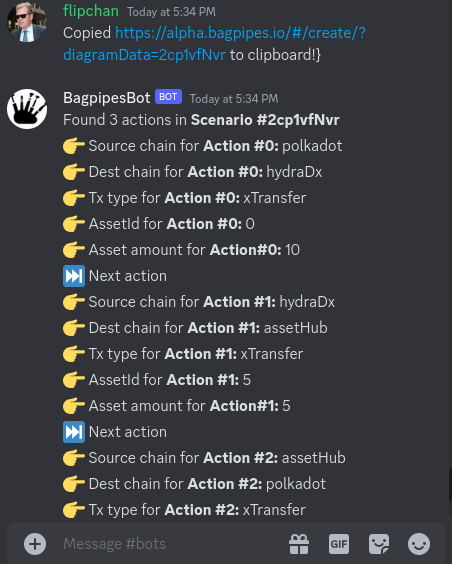
Note: you can use the slash command or just paste the copied link into the chat for the bot to display the information.
Slash command: /scenario_info copied_link_here

Create swaps
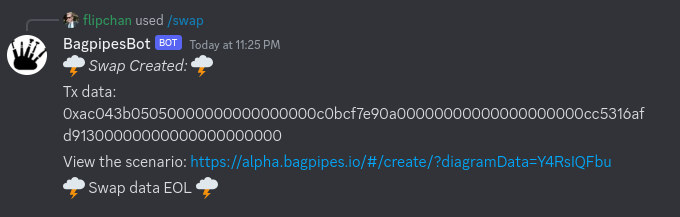
Swap one asset on HydraDx for another using Omnipool.
Slash command: /swap source_asset dest_asset amount

Create scenarios
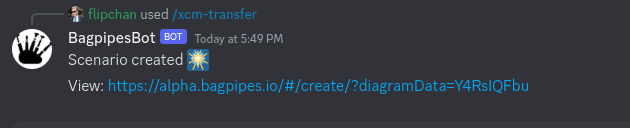
Send an asset from one chain to another with an XCM asset transfer.
Slash command: /xcm-transfer source_chain dest_chain
User examples:
Send 20 of asset 1:
/xcm-transfer polkadot assethub 1 20

Get links:
Request the most up to date Bagpipes project links from the bot.
Documentation:
> flipchan: whats the api documentation?
> BagpipesBot:
Here is a link to the documentation for the API: https://xcmsend.github.io/api/docs.html
Github:
> user: What's the github link?
> BagpipesBot: Github repo: https://github.com/XcmSend/
/github-link
Displays github repo link with a slash command.